10 Birthday Website Ideas UK Hosts Can Launch with UK Privacy Checks

A birthday website is a single link guests visit to RSVP, get the details and add memories. Build one page, share the link, done. Hosts of kids’ parties, milestone birthdays and virtual gatherings all use them for the same reason: one place beats a scattered thread of texts and calendar invites. Below are ten ideas worth copying, real examples to model, and the practical steps to build, protect and publish yours fast.
TL;DR:
- RSVP forms should be above the fold and linked to email notifications to ensure timely responses and easier management.
- Privacy defaults must be high when children are involved, with galleries and personal data sharing set to private and clear opt-outs provided.
- A one-page website typically suffices for single-day celebrations, but multi-page formats are better for events spanning several days.
- Using proven layout patterns like countdowns, gallery grids, and embedded videos improves user experience and site reliability on mobile devices.
- Hosting platforms that offer managed services, short links, and testing procedures help prevent last-minute technical issues and improve guest engagement.
Table of Contents
- 1. Ten birthday website ideas worth stealing
- 2. Examples and templates worth copying
- 3. What every birthday website needs and a checklist to copy
- 4. Design and technical tips that stop the site letting you down
- 5. Privacy and children’s safety when guests include kids
- 6. Publishing and sharing the site without a last-minute scramble
- 7. Why quick, honest birthday sites are what most hosts actually want
- 8. How BasicBS builds your birthday website without the faff
- 9. Where to go next for the detail
- Sources
- FAQ
1. Ten birthday website ideas worth stealing
You don’t need ten features. You need one good idea, built properly. Here’s the shortlist, matched to who it suits and how to build it without a headache.
- Timeline or scrapbook page: a scrolling story of the birthday person’s life, best for milestone adults, built on any one-page builder.
- RSVP and booking page: guests confirm attendance and numbers in one form, ideal for kids’ parties with fixed capacity.
- Gift wishlist: a simple list with links, so nobody buys three of the same thing, suited to any age group.
- Interactive quiz: “how well do you know the birthday star”, great for virtual guests who can’t attend in person.
- Guest photo gallery: an upload area for photos taken on the day, set to private by default.
- Video montage hub: embed a shared video from YouTube or Vimeo, unlisted rather than public.
- Milestone landing page: a focused page for an 18th, 30th or 50th, built around one big countdown and a short bio.
- Surprise party controls: password-protected pages so the birthday person never sees the site.
- Virtual party hub: video call links, a shared playlist and a chat embed for remote celebrations.
- Charity-donation page: a request for donations instead of gifts, linked out to a chosen charity’s own payment page.
2. Examples and templates worth copying
Rather than starting from a blank page, match your idea to a layout that’s already proven to work. These patterns turn up again and again because they solve a specific problem well.
- Single-scroll hero with countdown: works for milestone landing pages, keeps the date and RSVP button visible without scrolling.
- Two-column RSVP with map embed: pairs well with the RSVP and booking idea, since guests can check the venue before confirming.
- Grid gallery with upload button: the standard layout for guest photo pages, easy to browse on a phone.
- Card-based gift wishlist: each gift as its own card with an image and link, simplest way to present a wishlist idea.
- Tabbed schedule page: useful for multi-day celebrations, one tab per day rather than one long list.
- Embedded video header: sits at the top of a virtual party hub, autoplay off, so it doesn’t compete with the RSVP form.
Template galleries inside general website builders and dedicated event-site builders both carry versions of these layouts. A one-page site suits most birthday celebrations, but a small multi-page site (home, schedule, gallery) makes sense once you’re running a weekend of events rather than a single afternoon. You can browse finished examples of both formats on BasicBS’s own portfolio before deciding which shape fits your event.
3. What every birthday website needs and a checklist to copy
Whatever idea you pick, the same core sections make the site useful rather than just decorative.
- Hero: the birthday person’s name, the date, one short line about the celebration, and a single clear call to action.
- RSVP form: name, number attending, dietary requirements, and an optional photo opt-in or opt-out box.
- Schedule: start time, key moments (cake, speeches, games) and an end time if guests need to plan onward travel.
- Directions: address, parking notes and a map embed, especially for guests who haven’t visited the venue before.
- Gifts: a short note on preferences (wishlist link, cash gift, or “no gifts, just come”) rather than a demand.
- Photos: a submission link with a note on how images will be used and for how long.
- FAQ: two or three questions guests always ask (parking, dress code, plus-ones).
Copy that list into a document, tick off what applies, and hand it to whoever is building the page.
4. Design and technical tips that stop the site letting you down
Most birthday website problems are technical rather than creative: a slow gallery, a form that never sends, a page that looks fine on a laptop and broken on a phone. Mobile-first design matters because most guests will open your link from their phone while messaging back and forth about the party.
- Keep the RSVP button above the fold so guests don’t have to scroll to act.
- Compress photos before uploading, and embed video rather than hosting it directly, to keep load times down.
- Use a native RSVP form with an email notification rather than a generic contact form, so responses land somewhere you’ll actually see them.
- Password-protect the page for surprise parties, and test the password from a different device before sharing it.
- Keep text contrast high and add alt text to images, both of which help guests using screen readers or older phones.
Pro Tip: Test your RSVP form by submitting it yourself before sending the link to a single guest.
5. Privacy and children’s safety when guests include kids
When a birthday website is likely to be seen by children, the ICO’s Age Appropriate Design Code sets out what “responsible” looks like: high-privacy defaults, only collecting the data you actually need, and clear opt-outs before photos of children go anywhere near a public gallery. Three quick checks decide whether the Code applies to your page: will children use or view the site directly, does the RSVP form collect a child’s name or details, and will photos of children be uploaded or shared.
- Set galleries and RSVP lists to private by default, not public.
- Only ask for what you need: name and numbers, not addresses or phone numbers, unless logistics genuinely require it.
- Add an obvious opt-out for photo sharing and switch geolocation off by default.
- Write a short privacy note: “Photos shared here are only visible to invited guests and will be removed after [the event].”
The ICO’s own guidance notes that privacy information should be concise and in language suited to a child’s age wherever a service is likely to reach children. That’s a genuinely practical bar to hit on a one-page site, and it costs nothing to get right.
6. Publishing and sharing the site without a last-minute scramble
Getting the site live is the easy part. Getting guests to actually use it is where most hosts trip up.
- Choose a hosted one-page builder or a managed website service so you’re not fiddling with server settings the week before the party.
- Create a shortlink or QR code for the page, so it fits neatly on a paper invite or a text message; for helpful strategies, check out the App Free Outdoor Queue Playbook for managing guest flow.
- Submit a test RSVP yourself, confirm the notification email arrives, and check the password (if set) actually locks the page.
- If you need to close RSVPs, swap the form for a short message rather than deleting the page, so late guests aren’t left confused.
An integrated RSVP inside a full event site tends to get more responses than a form sent alone, because guests can check the details before committing rather than replying blind.
7. Why quick, honest birthday sites are what most hosts actually want
Most people asking about birthday websites don’t want a design lecture, they want a page that works by the weekend. In practice, hosts ask for the same handful of things: a working RSVP, a gallery guests can actually use, and a password on it if it’s a surprise. Bespoke one-page event sites can be built at a fixed price with fast turnaround, no upfront agency invoice, and no vague quote three weeks later.
— Rhys
8. How BasicBS builds your birthday website without the faff
Building a birthday website yourself is fine if you enjoy fiddling with templates on a Tuesday night. If you’d rather hand it over and get on with the actual party planning, that’s where we come in.
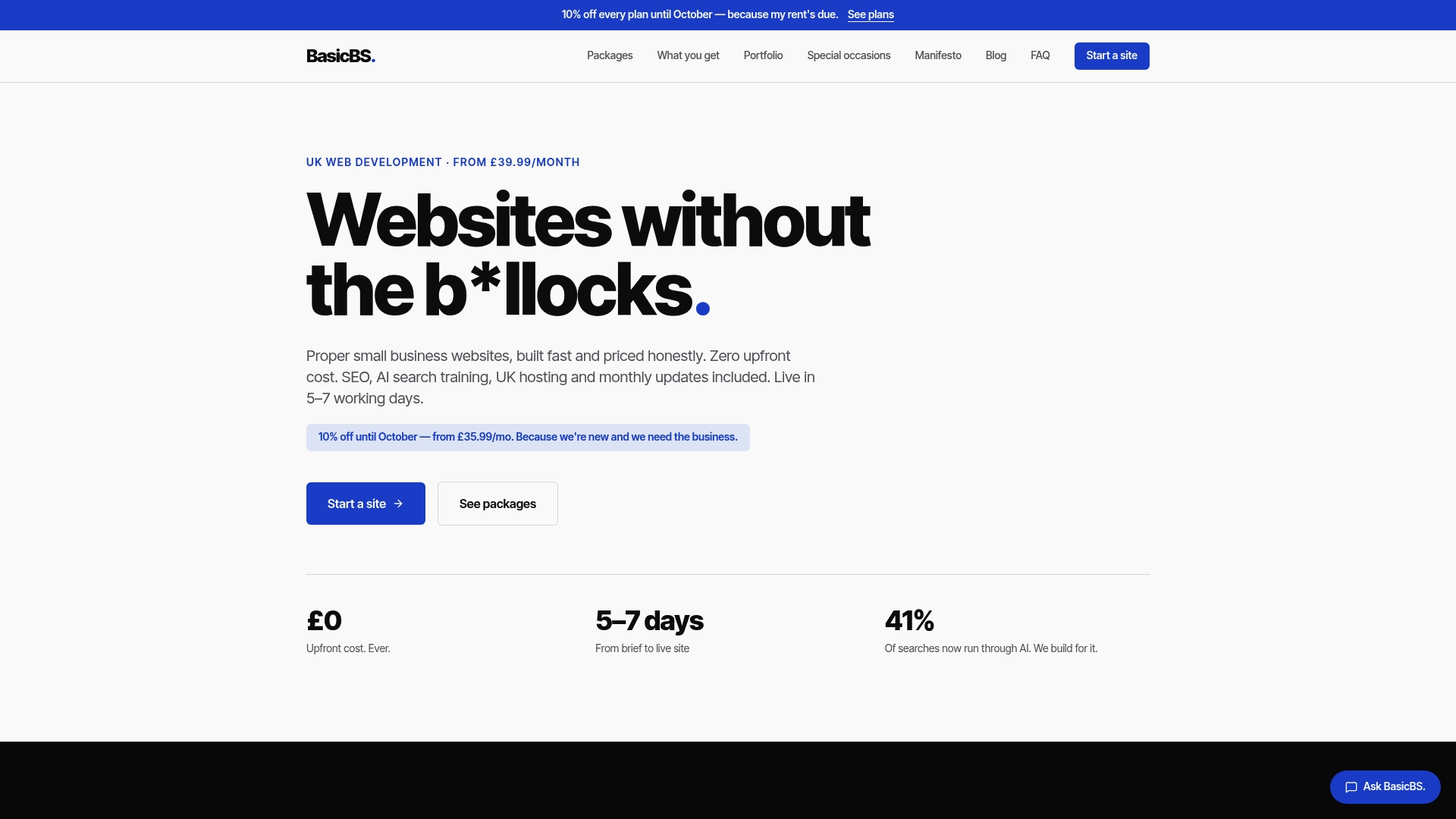
Bespoke one-page event sites can include RSVP forms, galleries and password protection where needed, with managed hosting, AI search training and SEO features to help the page be findable. This honest approach is commonly used for small business sites offering pay monthly website design with no upfront cost, transparent pricing, and no hidden charges buried in the small print.
| What you get | Detail |
|---|---|
| Event site type | Bespoke one-page birthday website |
| Business web design | Website Sale! available |
| Extras included | AI search training, SEMrush-led SEO, managed UK hosting |
If you run a trade or small business rather than a birthday party, the same pay monthly website design without a long contract applies: think plumber website design packages, electrician sites or a simple website for a sole trader, all built the same no-nonsense way. Have a look through real examples of our work or head straight to our main site to ask about your event or business page.
9. Where to go next for the detail

For the ICO’s own child online safety guidance, the RSVP-versus-full-site comparison, and landing page best practice for booking flows, the sources above are worth reading in full.
Sources
- Gov
- Birthday party landing page best practices — RunHappy
- How to create an event website that drives registrations — Whova
FAQ
What should a birthday website include?
A hero section with the name and date, an RSVP form, a schedule, directions, gift preferences and a small photo gallery cover most needs. Add an FAQ section if guests are likely to ask about parking or dress code.
Is a one-page site enough for a birthday party?
Yes, for most single-day celebrations a one-page site handles everything from RSVP to photos. A small multi-page site only becomes worthwhile for multi-day events or milestone celebrations with several separate activities.
How do I keep a surprise party website hidden?
Password-protect the page and share the password separately from the link itself, ideally by direct message rather than a group text. Test the password from another device before sending it to guests.
Do I need to worry about privacy if children will see the site?
Yes, if children are likely to view or use the page, the ICO’s Age Appropriate Design Code expects high-privacy defaults, minimal data collection and clear opt-outs for photos. A short privacy note on the page covering photo use and retention meets that expectation for a simple event site.
How much does a custom birthday website cost?
Pricing depends on the build, but BasicBS offers pay monthly website design without upfront cost for ongoing small business or event sites. Bespoke one-page event builds are priced separately, so it’s worth checking current availability before your date.