Stop Losing Sales: Multilingual Website SEO for UK Marketers

Use separate, indexable URLs per language plus reciprocal hreflang, and localise the content properly rather than translating it word for word. Do not rely on browser-only or IP-based redirects to serve languages, because Google may never see the pages behind them. First, pick your URL structure. Second, build reciprocal hreflang and a language sitemap. Third, line up your translators, privacy checks and a developer, because this touches SEO, content, consent and code all at once.
TL;DR:
- Proper implementation of hreflang requires reciprocal tags with fully qualified URLs and correct ISO codes; neglecting reciprocity causes ranking issues.
- Subdirectory URL structures generally offer the best balance of cost, control, and authority transfer for small to medium-sized multilingual sites.
- Content localization should prioritize rewriting and cultural adaptation over literal translation to improve discovery and ranking in target markets.
- Visual language switchers, correct geotargeting, and localised consent and accessibility features enhance user experience and compliance across regions.
- Regular audits using Google Search Console, hreflang validation tools, and keyword research help ensure multilingual setups maintain visibility and accurate indexing.
Table of Contents
- Multilingual, multi-regional, or both?
- Choosing URL structure and getting geotargeting right
- Getting hreflang and localised page versions right
- How Google crawls locale-adaptive pages
- Doing keyword research and content localisation properly
- Language switchers, consent and accessibility
- Measuring, verifying and auditing your setup
- Rollout checklist and the pitfalls that catch people out
- How an affordable UK web service scopes multilingual work
- What most multilingual SEO advice gets backwards
- A low-cost route to a multilingual site done properly
- Sources
- FAQ
Multilingual, multi-regional, or both?
Before you touch a single URL, work out which problem you actually have. A multilingual site serves different languages, say English and French, to whoever wants them. A multi-regional site serves different countries, say the UK and the US, which might both read English but expect different currency, spelling and product availability. Plenty of businesses need both at once: a UK retailer shipping to France needs French content and a separate UK versus France pricing and delivery experience.
This is where “en” versus “en-GB” versus “en-US” trips people up. Plain “en” targets English speakers generally, with no country signal. “en-GB” tells Google Search Central you mean British English specifically, which matters if your spelling, pricing or legal wording changes by market. Use the region code only when the content genuinely differs by country, not just to look thorough.
Once you know what you’re dealing with, you’ve got three realistic options:
- Translate the whole site when your audience, products and buying journey genuinely differ by language.
- Translate templates and key pages only when you serve a small overseas segment that mostly wants pricing, contact and product basics.
- Do nothing structural and instead rely on browser translation tools when international traffic is negligible and unlikely to grow.
Get this decision right first. Building hreflang clusters for a market that never converts wastes translation budget and developer time you could spend elsewhere.
Choosing URL structure and getting geotargeting right
Your URL structure decides how much control you get, how much it costs to run, and how clearly Google can separate your markets. There are four common patterns, and none of them is universally “best”:
- ccTLDs (example.fr, example.de) send the strongest country signal but mean buying, renewing and maintaining separate domains, plus separate authority building for each.
- Subdomains (fr.example.com) let you host language versions on different servers if needed and are reasonably clear to Google, but they can be treated as semi-separate sites for authority purposes.
- Subdirectories (example.com/fr/) keep everything under one domain, pool your site’s authority, and are by far the cheapest and easiest to maintain for a smaller team.
- URL parameters (example.com?lang=fr) are the weakest option: Google’s own guidance on managing multi-regional and multilingual sites recommends against them because users and search engines both find them harder to identify and share.
Geotargeting isn’t only about the URL. Server or hosting location, the country set in your Google Business Profile, and locally relevant content (currency, phone numbers, local case studies) all feed into how Google works out who a page is for. None of these override a clear URL and hreflang setup, but they reinforce it.
For most small and medium-sized businesses, subdirectories win on cost and control. You’re not managing multiple hosting accounts, multiple SSL certificates or multiple sets of DNS records, and your existing domain authority carries across every language version instead of starting from nothing. Subdomains are worth considering if you genuinely need different servers per region, say for data residency reasons, but for a straightforward multilingual brochure site or shop, a subdirectory structure is the pragmatic choice.

Getting hreflang and localised page versions right
Hreflang tells Google which page is the right version for which language and country combination, and getting the syntax wrong is one of the most common ways multilingual sites lose visibility. The format follows ISO 639-1 for the language (fr, de, en) with an optional ISO 3166-1 Alpha-2 country code (fr, en-GB, en-US), and you can add x-default to specify a fallback for visitors who don’t match any listed variant, as explained in SEMrush’s hreflang guide.
You’ve got three ways to implement it, and the right one depends on your file types and your CMS:
- HTML link tags in the page head, best for standard web pages where you can edit the template.
- HTTP headers, essential for non-HTML files such as PDFs, where you can’t insert a link tag into the document itself.
- XML sitemaps, often the most practical choice for large sites, since you manage every hreflang relationship in one file rather than editing every page template.
The rule that catches almost everyone out is reciprocity. Google’s localized versions documentation is explicit: every URL in a language cluster must reference every other variant, including itself, using fully qualified URLs (the full https:// address, not a relative path). Miss one reciprocal link and the whole cluster can behave unpredictably, with pages ranking in the wrong market or not being treated as alternates at all.
Run through this checklist before you consider hreflang done:
- Every page lists a self-referencing hreflang tag, not just the other language versions.
- Every URL is fully qualified, never a relative path.
- Language and country codes are correct and match ISO 639-1 and ISO 3166-1 Alpha-2 exactly.
- An x-default tag is set where you want a sensible fallback for unmatched visitors.
- Sitemap-based hreflang entries match what’s actually in the page HTML, if you’re using both.
Pro Tip: Pick one implementation method per project and stick to it. Mixing HTML tags and sitemap entries for the same pages is where reciprocity errors creep in unnoticed.
How Google crawls locale-adaptive pages
A locale-adaptive page detects a visitor’s country or browser language and swaps the content shown, without changing the URL. It feels slick to build, but Google’s own blog post on crawling and indexing locale-adaptive pages warns that this approach may mean some or all of your locale variants are never crawled, indexed, or ranked at all. Googlebot typically crawls from a single location and doesn’t reliably see every version your JavaScript or server logic might serve to a human visitor elsewhere.
The fix is simple in principle: every locale needs its own indexable URL, reachable by a visible link, not just by IP detection or an Accept-Language header. Adaptive redirects can still improve the experience for returning visitors, but they should never be the only route to a language version.

Canonicalisation adds another layer. Google’s canonicalisation guidance treats rel=canonical as a hint, not a directive, and Google may choose a different canonical than the one you specify if your signals conflict. Inside a hreflang cluster, each language page should self-canonicalise (point to itself), not to the original language version, otherwise you’re telling Google to treat your French page as a duplicate of your English one rather than a genuine alternate.
Some practical points worth locking down early:
- Never rely solely on 302 or JavaScript-based locale redirects; expose the underlying URL too.
- Keep canonical tags, hreflang entries and sitemap listings consistent with each other, since mismatches between them are a common source of indexing confusion.
- For non-HTML assets like PDFs or downloadable spec sheets, use HTTP headers to carry hreflang, since you can’t inject a link tag into the file itself.
- Submit a language-aware XML sitemap so Google has one authoritative map of every locale URL and its relationships.
Doing keyword research and content localisation properly
Translating your existing English copy word for word is the fastest way to rank for nothing in a new market, because search behaviour doesn’t map cleanly across languages. A phrase that gets thousands of searches in English might have a completely different, more specific equivalent in French or German, and literal translation tools rarely catch that. Run keyword research separately in each target language, ideally with a native speaker sense-checking the results against what people in that market actually type and mean.
Every visible and structural element needs its own localisation pass, not just the body text:
- Page titles and meta descriptions, rewritten for local search phrasing, not translated line by line.
- H1s and on-page headings, matching the language’s natural phrasing rather than a direct grammatical mirror of the English.
- Calls to action, since a literal translation of “book now” can sound stiff or oddly formal depending on the language.
- Alt text and image descriptions, especially where the image itself contains English text or culturally specific visuals.
- Structured data (schema markup), which should carry localised names, descriptions and currency where relevant.
Once the translation is done, run it through a proper QA pass before it goes live: a native-language reviewer checking tone and accuracy, a technical SEO check confirming hreflang and metadata are correctly attached, and a quick cultural review for anything that might land badly (idioms, imagery, colour associations, date formats). A multidisciplinary check like this catches the errors that translators alone tend to miss, particularly where search intent has shifted subtly between languages.
Pro Tip: Keep a shared glossary of brand terms, product names and key phrases per language so different translators don’t invent three different versions of the same term across your site.
Language switchers, consent and accessibility
A language switcher isn’t decoration, it’s a discovery mechanism. Google’s guidance on multi-regional and multilingual sites recommends a visible switcher on every page, using the language’s own name (Français, not “French” in English), and linking directly to the equivalent page rather than dumping visitors on a homepage. Visible interlinking between versions also helps Google discover and crawl every locale variant, backing up your hreflang tags rather than relying on them alone.
Consent is where a lot of multilingual sites quietly break UK compliance. ICO guidance on cookies is clear that non-essential cookies, including most analytics tags, need active, informed consent, and simply carrying on browsing doesn’t count. A cookie that only remembers a visitor’s language choice can sometimes be treated as strictly necessary, but any analytics or tracking tag riding alongside it needs its own consent check, in every language you publish in. If your translated consent banner buries the reject option or mistranslates what a tag actually does, you’ve likely invalidated the consent you’re relying on for that market’s analytics data.
Accessibility carries the same weight across every language version, not just your main one. Gov sets WCAG 2.2 AA as the benchmark for public-sector sites, and the same practical checks apply well beyond government: mobile-first layouts, descriptive alt text in the page’s own language, and a published accessibility statement.
A properly built consent banner and accessibility statement, translated and tested per language, is one of the more overlooked trust signals a multilingual site can carry.
Measuring, verifying and auditing your setup
Once your multilingual structure is live, verifying it actually works matters as much as building it. Search Console is your first stop, and the pattern that works best for most sites is one property covering the whole domain, with filters by URL path or subdomain to isolate each language’s performance rather than juggling separate properties for every market.
Run through these checks regularly:
- Use Search Console’s Page Indexing report to confirm every language URL is indexed, not just crawled.
- Check the International Targeting report (where available) for hreflang errors flagged directly by Google.
- Add a language dimension to your analytics setup so you can see engagement and conversion by market, not just traffic volume.
- Confirm your analytics and consent tags fire correctly per language, since a mistranslated banner can silently suppress tracking in one market.
- Spot-check a sample of pages monthly using a hreflang audit tool such as the one described in DiazLuna’s 20-minute hreflang audit, which walks through finding missing reciprocal tags and incorrect codes quickly.
Automate what you can. A scripted crawl that checks reciprocity, fully qualified URLs and correct language codes catches most faults before they cost you rankings, and it’s far quicker than manually clicking through every language pair by hand.
Rollout checklist and the pitfalls that catch people out
Before launch, confirm your URL structure is finalised, hreflang tags are reciprocal and fully qualified, your sitemap lists every locale correctly, canonical tags self-reference within each language, and your server returns proper 200 or 301 responses rather than soft errors. Confirm every page has been translated (not machine-translated and left unchecked), metadata and alt text are localised, and your accessibility statement covers every language version.
After launch, monitor indexing weekly for the first month, watch for hreflang errors in Search Console, and check that consent banners are firing correctly in each market.
| Stage | Check | Common failure |
|---|---|---|
| Pre-launch | Hreflang reciprocity | Missing self-reference tag |
| Pre-launch | Sitemap accuracy | Sitemap and HTML tags disagree |
| Post-launch | Indexing coverage | Locale pages crawled but not indexed |
| Post-launch | Consent banner per language | Reject option missing in translation |
- Machine translation left unreviewed is the single most common cause of poor engagement on new language pages, so treat MT as a first draft, not a final one.
- International link building matters too: local directories, language-specific press and genuine local partnerships carry more weight in a new market than links from your existing English-language contacts.
- Geotargeting settings and hreflang should always agree with each other, since conflicting signals confuse rather than reinforce.
How an affordable UK web service scopes multilingual work
A small business adding a second language doesn’t need a six-month agency engagement, it needs a clear scope and a fixed price. Some UK web services build sites with AI search training, SEO and managed hosting included as standard, covering the technical groundwork (hreflang, sitemaps, structured data) that a multilingual rollout depends on. For a typical SME project, that means one language pair done properly, with reciprocal tags, localised metadata and a working switcher, rather than five languages done badly.
Turnaround follows the same 5 to 7 working day build window as a standard site, with translation and QA sitting outside that unless the client supplies copy ready to go. Monthly updates keep hreflang and sitemap entries current as pages are added. It’s worth being upfront about scope here: translation quality review and ongoing content localisation are separate from the technical build, and any business considering a multilingual site should ask directly what’s included before signing anything, from any provider.
What most multilingual SEO advice gets backwards
Most multilingual SEO content obsesses over hreflang syntax and barely mentions the thing that actually loses businesses money: treating translation as a checkbox rather than a rewrite. You can have flawless reciprocal hreflang tags, a perfect sitemap and a beautifully coded language switcher, and still rank for nothing if the French copy reads like it was typed into a translator and pasted straight in.
The conventional advice treats this as a technical SEO problem first and a content problem second. In practice it’s the other way round. Google’s crawling and indexing behaviour rewards you for making locale pages discoverable, but discoverability only gets a visitor to the page. What keeps them there, and what search engines eventually reward with better rankings, is content that reads like it was written for that market, not translated at it.
If you’re prioritising anything first, prioritise native-language review over another round of technical audits. Get the URLs and hreflang right once, properly, and then spend your ongoing budget on making sure the words on the page sound like they belong there.
— Rhys
A low-cost route to a multilingual site done properly
If you’d rather hand the technical side to someone else, some providers offer pay monthly website design without large agency invoices, with a straightforward pay monthly websites for small business option aimed at sole traders, tradespeople and small firms who want a proper build without the usual runaround.
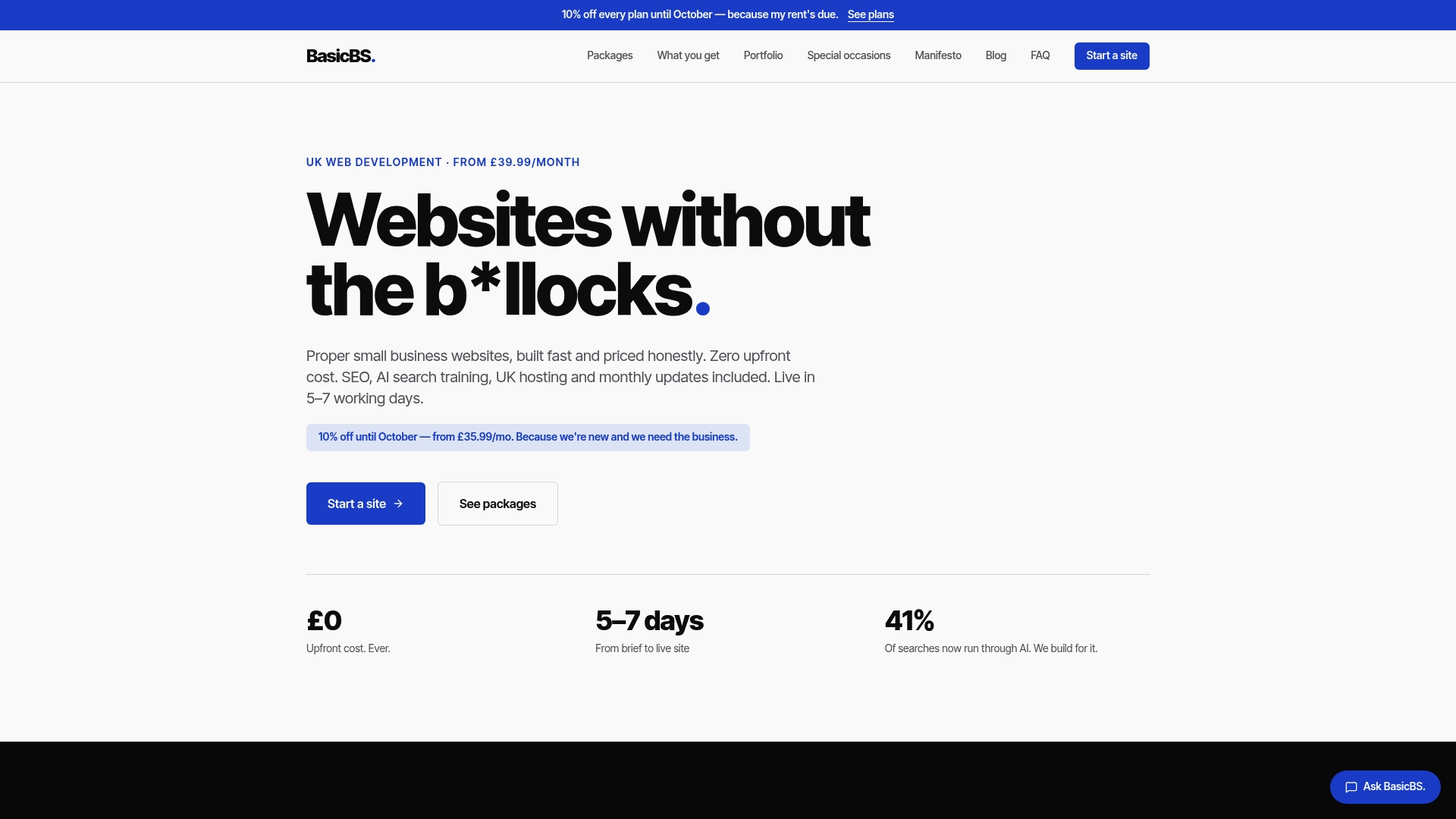
What that gets you for a multilingual project:
- A site built with AI search training and SEMrush-led SEO baked in from the start, so hreflang, sitemaps and metadata are handled properly.
- Managed UK hosting, SSL and monthly updates included, so your language versions stay current without extra invoices.
- A fixed, transparent web design pricing structure, so you know the full cost before you commit, not after.
We’re not a full translation agency, so native-language copywriting sits outside the build itself, but the technical foundation, from cheap website maintenance for trades to ongoing SEO, is exactly what we do. Have a look at our website examples or check our services to see what’s included.
Sources
- Managing multi-regional and multilingual sites | Google Search Central
- Cookies and similar technologies | ICO
- Gov
- Hreflang attribute 101 | SEMrush
FAQ
Is SEO dead now with AI?
No, SEO isn’t dead, but how people find businesses is shifting toward AI-driven search and chat tools alongside traditional results. Structured data, clear multilingual signals and genuinely localised content matter more, not less, because AI systems still rely on trawlable, well-organised pages to generate answers, which is part of why local business schema setup and AI search optimisation for local business have become part of standard site-building rather than an add-on.
Are multilingual sites allowed in WordPress?
Yes, WordPress supports multilingual sites through plugins that manage translated content, hreflang tags and language switchers. The platform itself places no restriction on this, though the quality of the implementation depends entirely on how the plugin and theme handle URL structure and hreflang reciprocity.
Do multilingual people have higher IQ?
There’s no reliable evidence tying speaking multiple languages to a higher IQ score, and this isn’t a claim this guide’s sources address. What research broadly touches on is cognitive flexibility in bilingual speakers, which is a different thing entirely from IQ and not relevant to building a multilingual website.
How can I make my website multilingual?
Start by choosing a URL structure, generally subdirectories for smaller sites, then add reciprocal hreflang tags for every language version, including a self-reference on each page. From there, localise your content properly rather than machine-translating it, build a visible language switcher, and check your consent banners and accessibility statement work in every language you publish.
What’s the difference between multilingual and international SEO strategies?
Multilingual SEO focuses specifically on serving different languages correctly through hreflang, translated content and language switchers. International SEO is the broader discipline, covering multilingual work plus multi-regional targeting such as currency, shipping, local business listings and country-specific server or geotargeting signals.