Turn 40 scans into 6 enquiries: track QR code scans for UK SMEs
Track QR code scans by generating dynamic QR codes that point to UTM‑tagged URLs, then read the results in two places at once: your QR provider’s own dashboard for raw scan counts, and GA4 for what happened after someone landed on your page. Tag every URL with utm_source, utm_medium=qr_code and utm_campaign before you print anything. Scans tell you the code got noticed. Conversions tell you whether the campaign actually worked.
TL;DR:
- Dynamic QR codes linked to UTM parameters enable detailed tracking of scans, device types, locations, and post-scan conversions.
- Proper setup requires confirming GA4 is live, using consistent UTM naming conventions, and testing each code on multiple devices before printing.
- Native QR dashboards provide real-time scan counts, but GA4 shows engaged sessions and conversion data, making both essential for full analysis.
- Ensuring UTM parameters are correctly formatted with a question mark (“?”) prevents data loss and inaccurate attribution in GA4.
- Small businesses should focus on tracking scan-to-conversion rates rather than raw scan totals to measure actual campaign effectiveness.
Table of Contents
- Quick checklist: what to prepare before creating your codes
- How QR code tracking actually works: dynamic vs static codes
- Setting up GA4 tracking for QR codes with UTM parameters
- What native QR dashboards show that GA4 doesn’t
- A measurement workflow built around scan-to-conversion, not scan volume
- Privacy and UK regulatory considerations for QR tracking
- Testing and print best practice for reliable scans
- How BasicBS approaches QR campaign landing pages
- A pragmatic take on QR code data for small teams
- Get a tracked QR landing page live without an agency invoice
- Sources
- FAQ
Quick checklist: what to prepare before creating your codes
Before you touch a QR generator, get the boring bits sorted. Skip this and you’ll be staring at a spreadsheet full of “(not set)” values in a fortnight, wondering where it all went wrong.
- Decide your one primary conversion (a form, a call, a booking, a sale) and write it down.
- Agree lower-case naming conventions for UTM values now, not after you’ve printed 500 leaflets.
- Confirm GA4 is live on the landing page and you can see Realtime and Traffic acquisition reports.
- Pick a dynamic QR-code provider, or set up your own redirect that logs scan events server-side.
- Draft a short privacy notice covering what you collect and for how long.
- Check the landing page is mobile-friendly with one obvious next step, not five.
How QR code tracking actually works: dynamic vs static codes
The difference between dynamic and static QR codes decides whether you get any analytics at all. A static code bakes your final destination straight into the pixels. It can’t be changed, and it can’t tell you anything once someone scans it, because nothing logs the event. A dynamic code instead points to a short redirect URL you control, which then forwards the visitor to your real destination. That extra hop is where the tracking happens.
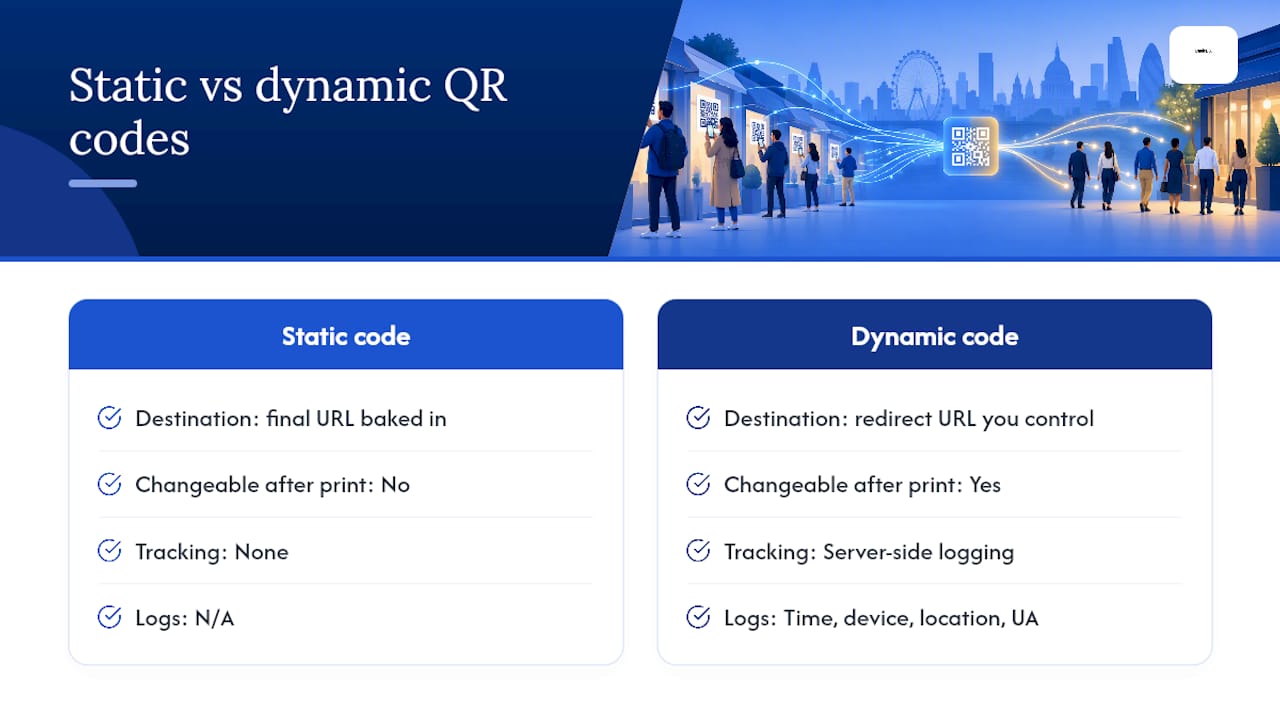
Each scan through a dynamic code typically logs a timestamp, device type, an approximate location derived from IP address, and the user agent, according to OpenQR’s guidance on campaign tracking. That server-side log exists independently of whether Google Analytics ever fires. It’s also why dynamic codes let you swap the destination after printing, useful if a landing page moves or a campaign gets extended.
One catch worth flagging early: some redirect services and CDNs strip query parameters during the hop. If your UTMs vanish somewhere between the code and the landing page, GA4 will file the visit under “Direct” and your entire campaign looks like it never happened.
Setting up GA4 tracking for QR codes with UTM parameters
Google’s Campaign URL Builder is the tool that does the heavy lifting here, and it takes about ten minutes to get right.
- Build a tagged URL for each placement: utm_source describes where the code lives (poster, van, business card), utm_medium is always “qr_code”, utm_campaign names the wider push, and utm_content separates individual creative variants.
- Generate a separate dynamic QR code from each tagged URL rather than reusing one code everywhere.
- Test every code on at least three different phones and two networks before it goes anywhere near a printer.
- Check GA4 Realtime immediately after your first test scan, then confirm the visit appears correctly in Traffic acquisition or the Manual report once conversions start coming through.
Pro Tip: Missing the “?” before your first UTM parameter is the single most common reason tagged URLs fail silently. Double-check the full string before it goes anywhere near a printer.
Google itself notes that missing UTM fields produce “(not set)” values that make attribution impossible to reconstruct later, so treat the URL Builder as non-negotiable rather than optional polish.
What native QR dashboards show that GA4 doesn’t
Your QR provider’s dashboard and GA4 are answering two different questions, and mixing them up is where most small businesses go wrong.
- Native dashboards log the scan itself, often within seconds, including total versus unique scans, device type, timestamp, and city-level location.
- GA4 only starts counting once the page loads and the tracking tag fires, so it measures engaged sessions, pages per session, and whatever conversion you’ve configured.
- A dashboard can show scans that never became a website visit at all, useful for spotting a damaged code or poor lighting at a trade stand.
This split matters most at events. If you’re staffing a stand and want to know footfall in real time, the native dashboard is your fastest read. If you’re judging a three-month poster campaign’s return, GA4’s conversion data is what actually matters. Treat raw scan counts as evidence something happened, not proof it made you money.
A measurement workflow built around scan-to-conversion, not scan volume
Chasing scan totals is the trap. A poster that gets 400 scans and zero enquiries has told you nothing useful; a code that gets 40 scans and 6 quote requests has told you everything.
- Pick one primary conversion per campaign and configure it as a GA4 event before launch.
- Give every placement its own tagged URL or distinct utm_content value so attribution survives contact.
- Test the full redirect chain end to end and confirm the UTM parameters actually arrive intact in GA4 before you commit to a print run.
- Once live, calculate scan-to-conversion rate and cost per conversion for each placement, then compare which spots earned their space.
That last step is the one most businesses skip, and it’s the whole point of doing any of this.
Privacy and UK regulatory considerations for QR tracking
Scan logs that capture device details and IP-derived location can, in some circumstances, count as personal data. That puts your tracking setup under the Privacy and Electronic Communications Regulations (PECR) and UK GDPR, according to ICO guidance on storage and access technologies. Processing that combines geolocation with profiling may trigger the need for a Data Protection Impact Assessment.
For most small campaigns, three habits keep you on the right side of this: report scan data in aggregate rather than per individual, keep retention periods short, and publish a clear privacy notice explaining what you collect. Never claim or imply that a scan identifies a specific person, because in the vast majority of small business setups, it doesn’t and shouldn’t.
Testing and print best practice for reliable scans
A perfectly tagged URL is worthless if the printed code doesn’t scan. Test on a genuine spread of phones and networks, not just your own handset on office wifi, before anything goes to the printer.
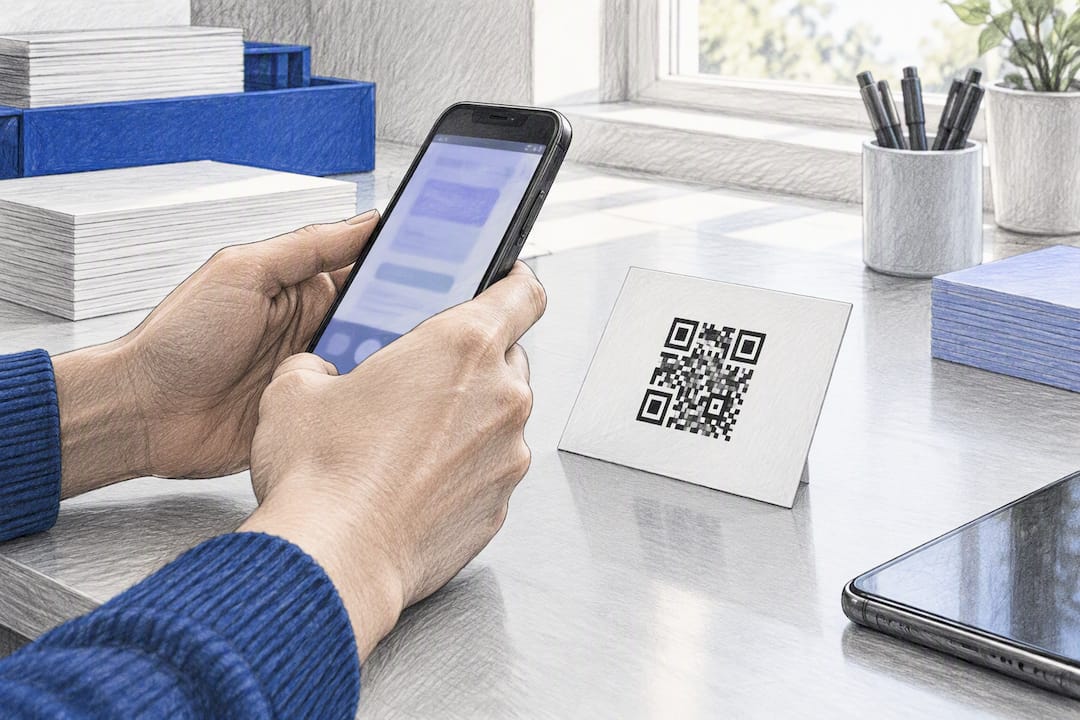
Stick to recognised size and contrast guidance, keep the surrounding area clear of clutter, and never place a code over a patterned or busy background. Never reuse a single code across multiple placements without a distinct utm_content value or a fresh code entirely, because a shared code across a leaflet, a van sticker and a shop window makes it impossible to know which one actually worked. Route every scan to a mobile-friendly quote page, a tap-to-call button, or a short form with one clear question, not a generic homepage that makes people hunt.
How BasicBS approaches QR campaign landing pages
Fast, mobile-friendly landing pages with GA4 and UTM tracking already built in are exactly the kind of fundamental work BasicBS handles for small business clients. Sites go live in 5 to 7 working days, come with SEMrush-led SEO, managed UK hosting with SSL, AI search training, and a clear cookie and privacy setup from day one. That’s the practical difference between guessing at scan numbers and actually knowing what a printed campaign delivered.
A pragmatic take on QR code data for small teams
Start with one campaign, one code, one conversion. Prove the channel works before scaling it across five placements you can’t yet properly attribute. Native scan counts and GA4 conversions tell different halves of the story, so read both, keep your privacy notice honest, and resist the urge to celebrate a big scan number that never turned into a single enquiry.
— Rhys
Get a tracked QR landing page live without an agency invoice
Most small businesses building a QR campaign either bolt a code onto an existing website that wasn’t built for it, or pay an agency thousands to “strategise” a single landing page. An honest middle ground: no upfront cost, pay monthly website design with a basic package, and a mobile-friendly quote page with GA4 and UTM tracking built in from launch, not bolted on after.
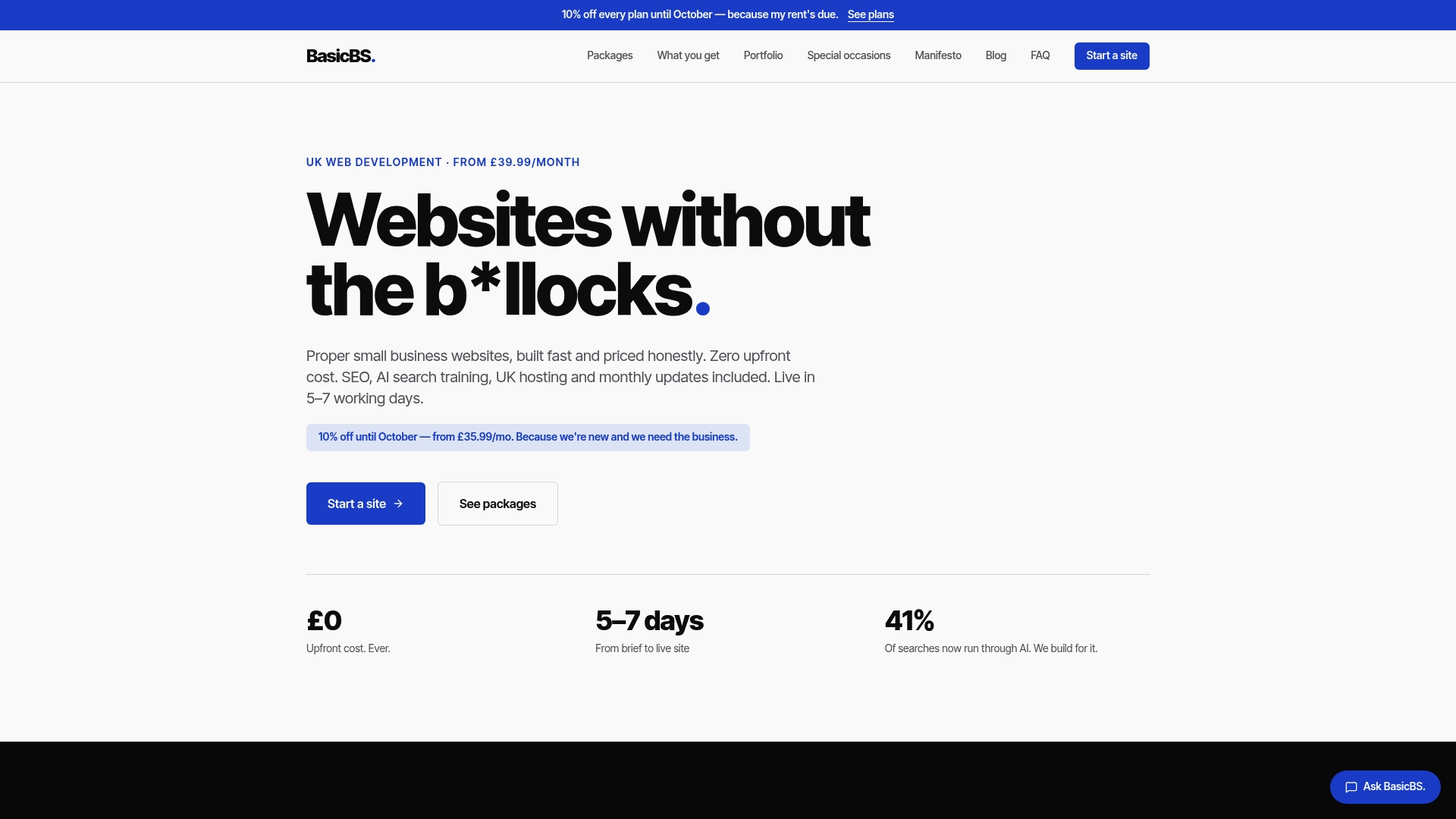
We also offer AI search optimisation and local business schema setup to help your business appear properly when someone asks ChatGPT or a Google AI Overview who does the job near them. Start with a single landing page for your next printed run. Check our website packages and pricing or head straight to Basic-bs to get a quote.
FAQ
Is there a way to track who scans a QR code?
You can’t identify the individual person, but a dynamic QR code logs the scan event, including device type, timestamp and approximate location from the IP address. Combined with UTM-tagged URLs and GA4, you’ll see the campaign and placement that drove the scan, not the person’s identity.
How do I track QR code scans for free?
Several QR generators offer free tiers with basic scan counts, and pairing any dynamic code with a UTM-tagged URL feeding into GA4 costs nothing beyond your existing website. The Campaign URL Builder itself is a free Google tool.
Can a QR code be tracked?
Only a dynamic QR code can be tracked properly, because it routes through a redirect server that logs each scan. A static code encodes the final destination directly and provides no scan data at all, according to OpenQR.
Can you track how often a QR code is scanned?
Yes. A dynamic QR code’s dashboard reports total and unique scans, usually broken down by date, device and location, giving you a running frequency count. For campaign effectiveness rather than just frequency, pair that with GA4 conversion data to see which scans actually led somewhere.